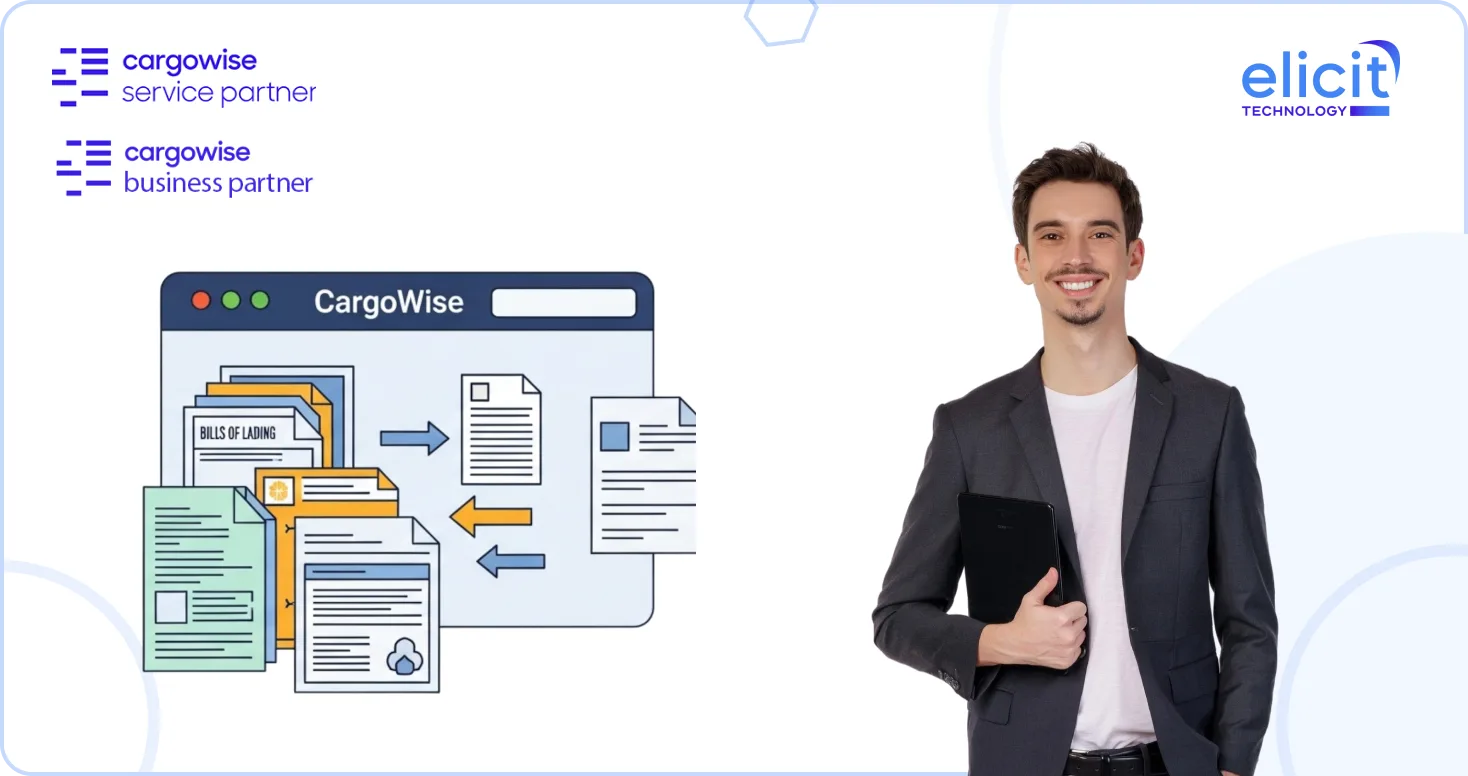
Ask any operations or compliance manager where delays really start, and you’ll hear the same answer: documents. Not shipments. Not carriers. Missing paperwork, unclear status, or chasing someone for “just one more file” is what slows jobs down, triggers compliance risks, and frustrates customers.
That’s exactly why document tracking moving into CargoWise web portals is such a meaningful upgrade. What used to live only inside the CargoWise desktop environment is now available through the web, giving teams, customers, and partners a shared, real-time view of required documents without emails, spreadsheets, or follow-ups.
This isn’t about adding another feature. It’s about removing friction from how logistics teams actually work today.
What does Document Tracking in Web Portals Really Mean?
Document tracking has long been part of CargoWise’s job management. It allows teams to define which documents are required, track whether they’ve been received, and maintain a clear audit trail tied directly to a job.
With this enhancement, that same capability is now available inside CargoWise web portals through the familiar eDocs tab. The experience mirrors what users already know from CargoWise, but with the added benefit of browser-based access.
When you open the eDocs dialog for a job that has document tracking configured, you’ll see a Tracking Monitors grid. This grid lists every required document for the job and shows whether it has been received. As soon as a document is uploaded and attached as an eDoc, the system automatically updates the Date Received, recorded in local time. No manual updates. No guessing.
Why Moving Document Tracking to the Web Matters?
In many logistics organizations, document handling still depends heavily on internal systems. Customers and partners send files by email, staff upload them later, and status updates lag behind reality. This creates gaps between what’s been received and what the system says is complete.
By exposing document tracking through web portals, CargoWise closes that gap. Everyone sees the same status, based on the same data, in real time. That alone reduces follow-ups, prevents misunderstandings, and improves compliance confidence.
More importantly, it aligns with how logistics teams collaborate today, across locations, time zones, and organizations.
Access and Permissions: Control Without Complexity
One of the smartest parts of this enhancement is how access is managed. CargoWise keeps control tight without making collaboration difficult.
Staff users in the web portal have full document tracking capability. Their access mirrors what they already have inside CargoWise. This means they can create new document tracking records, review existing ones, update details when needed, and remove records if requirements change. For operations and compliance teams, nothing is lost by moving to the web.
Contact users, such as customers or partners, have view-only access to the tracking grid itself. They can see which documents are required and whether they’ve been received, but they cannot manually edit tracking records. However, they can still upload documents directly as eDocs. When they do, the system automatically marks the document as received by updating the tracking record.
This balance is critical. It keeps data governance with the logistics provider while still empowering external users to complete their part of the process without back-and-forth emails.
Turning Document Collection Into a Self-Service Experience
One of the biggest operational wins here is how document tracking supports self-service. Instead of customers asking, “What documents do you still need?” or staff chasing missing files, the answer is visible instantly in the portal.
Contact users can log in, see exactly what’s outstanding, and upload the required documents themselves. The moment they do, the job’s document status updates automatically. No follow-up. No manual confirmation.
Over time, this shifts document handling from a reactive task to a predictable workflow. Teams spend less time managing paperwork and more time handling exceptions that actually need attention.
Tracking Documents Across Related Records
Logistics jobs don’t always exist in isolation. Documents may relate to shipments, consolidations, declarations, or other connected records. CargoWise web portals handle this by allowing users to switch context within the eDocs dialog.
Using a drop-down menu, users can select a related record and instantly see the documents and tracking entries tied to that specific record. The system only shows records that actually have document tracking or eDocs associated with them, keeping the interface clean and relevant.
This makes it easier to understand where a document belongs and avoids confusion when multiple records are linked to the same job.
Compliance Benefits Without Extra Effort
From a compliance perspective, document tracking in web portals strengthens control without adding steps. Required documents are clearly defined, the receipt is time-stamped automatically, and everything is tied back to the job.
Because staff and external users are working from the same system, there’s less risk of missing documents or relying on informal confirmations. When audits or internal reviews come up, the documentation trail is already there.
For industries with strict regulatory requirements, this kind of visibility isn’t just helpful, it’s essential.
Reducing Email Dependency and Operational Noise
If there’s one quiet benefit logistics teams notice quickly, it’s fewer emails. When document status is visible in the portal, routine questions drop off. Customers don’t need to ask if something was received. Staff don’t need to confirm uploads manually.
This reduction in noise makes a real difference, especially for teams handling high volumes of jobs. Less time spent managing inboxes means more focus on shipment execution and customer service.
Why this Matters More as Operations Scale?
As volumes grow, manual document handling doesn’t scale. What works for 50 jobs a week breaks at 500. Web-based document tracking helps organizations grow without increasing administrative overhead.
It also supports distributed teams and remote work. Whether someone is in operations, compliance, finance, or customer service, access is consistent and immediate through the browser.
This is especially valuable for organizations using CargoWise web portals as a collaboration layer with customers and partners.
Getting the Most Value from This Feature
While document tracking in web portals works out of the box once enabled, the real value comes from how it’s configured. Defining the right required documents, aligning tracking with job milestones, and setting permissions correctly all matter.
This is where working with a CargoWise service partner makes a difference. We can help you review your document tracking setup, align it with compliance requirements, and ensure the portal experience supports your operational goals instead of complicating them.
Conclusion
Document tracking in CargoWise web portals turns paperwork from a pain point into a controlled, transparent process. By giving staff and customers shared visibility, automating receipt updates, and maintaining strong permissions, it simplifies compliance while reducing manual effort.
If you want to make sure your document tracking is configured correctly or explore how web portals can improve collaboration across your workflows, schedule a call with a CargoWise service partner today. We can review your setup, answer practical questions, and discuss how document tracking works in real-world logistics operations.