














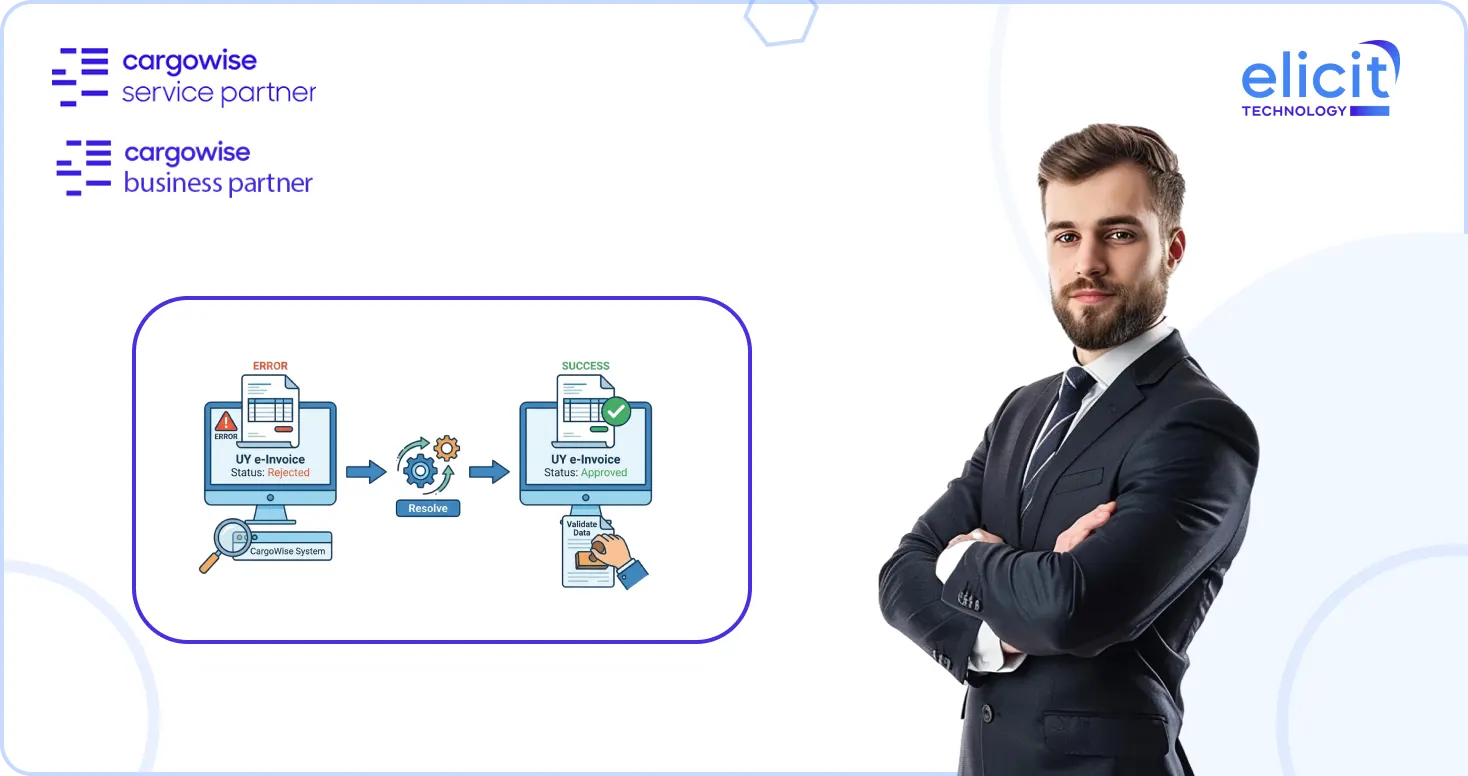
Uruguay e-invoicing in CargoWise can run smoothly when the setup is clean. But when one small detail is missing, an invoice can stop moving. The problem may be a missing RUT, an incorrect branch code, an expired certificate, a wrong debtor registration, or a credit note without a valid reference.
For finance and operations teams, these issues are more than technical errors. They delay billing, create extra follow-ups, and put pressure on compliance teams. That is why it is important to understand what usually goes wrong and how to prevent it before it affects your invoicing workflow.
Why Uruguay E-Invoicing Errors Happen in CargoWise?
CargoWise sends Uruguay electronic invoices through a structured e-reporting flow. When an AR invoice or credit note is posted, the system prepares the invoice data, sends it through eHub, passes it to the PAC provider, and then waits for DGI approval.
If the invoice is accepted, the transaction status updates successfully, and the approved PDF is attached in eDocs. If something is missing or incorrect, the transaction may stay queued, fail validation, or get rejected.
Most errors come from four areas: company setup, debtor setup, tax setup, and transaction reference rules.
The First Area to Check: Company and Branch Details
Many Uruguay e-invoicing issues begin with the company or branch organization proxy. CargoWise needs the correct Uruguay registration details to identify the issuing company.
The most important details are the RUT, the BRC branch code, and the state or department. If any of these are missing, DGI may reject the invoice because the sender information is incomplete.
This is why users often see errors connected to “Emisor,” “RUCEmisor,” “DomFiscal,” or “Departamento.” These messages usually point back to missing company or branch details.
Debtor Information can Also Stop an Invoice
The next common issue is the debtor organization setup. Every receivables organization must have the correct registration number and code. If the debtor is local, the RUT must be valid. If the debtor is foreign, the correct foreign registration details must be available.
When debtor information is missing or incorrect, CargoWise may assign the wrong compliance subtype, or DGI may reject the invoice because the recipient information does not match the expected format.
This is especially important for e-Factura and e-Ticket transactions, where the receiver’s document type, country, and registration number must be correct.
Credit Notes Need a Valid Reference
One of the most important Uruguay e-invoicing rules is that credit notes cannot be sent without a valid reference. If a credit note is created without linking it to the original invoice, DGI can reject it.
The safer approach is to create credit notes by reversing or amending the original transaction. This allows CargoWise to carry the reference details automatically. Standalone credit notes should be handled carefully because missing references can create rejection errors that cannot always be corrected by simply resending.
Why Some Transactions Stay Queued or Discarded?
Sometimes, users post an amendment or reversal and notice that the E-Reporting status remains as QUE or DCD. This usually happens because CargoWise is waiting for the original transaction status to complete first.
In simple terms, the system needs the original invoice to be successfully approved before the related adjustment can move forward. If the first transaction is not complete, the next transaction cannot be processed correctly.
PDF Confusion: Preliminary vs Approved Invoice
Another common question is why the invoice PDF is missing or why the PDF looks preliminary.
When the transaction status is DLV, it means the invoice has been submitted, but DGI approval is still pending. At this point, CargoWise may attach a preliminary PDF. The final approved PDF becomes available only after the status changes to SUC.
So, if your team is looking for the final authorized document, always confirm the E-Reporting status first.
Tax and Currency Issues should Not be Ignored
Uruguay e-invoicing is strict about tax calculations. If the VAT amount is manually adjusted and exceeds the accepted tolerance, the transaction may fail. Invalid currency codes can also create XML errors because DGI expects currencies to match accepted ISO standards.
This is why finance teams should avoid manual tax manipulation and make sure the system uses valid currency and tax configurations before posting.
The Best Way to Avoid Repeated Errors
The best fix is prevention. Before posting transactions, your team should make sure the main setup is accurate. Your RUT, BRC, debtor registrations, compliance subtypes, tax IDs, certificate validity, and contingency numbering should all be reviewed.
It is also helpful to configure registry controls that prevent users from posting transactions without compliance subtypes or creating credit notes without original invoice references.
Conclusion
If your team is repeatedly resetting invoices, correcting debtor details, or raising incidents after failed submissions, the issue may not be one invoice. It may be the configuration behind the process.
At Elicit, we help CargoWise users review and fix Uruguay e-invoicing setups, resolve recurring errors, clean up master data, configure registry controls, and stabilize the full e-reporting workflow.
If your Uruguay e-invoicing process is slowing down your billing cycle, connect with Elicit, your trusted CargoWise Service Partner, a
nd get your setup working with more confidence.