








CargoWise Advisory Update: WiseCloud Client is Now Renamed to CargoWise Cloud Accessor Client
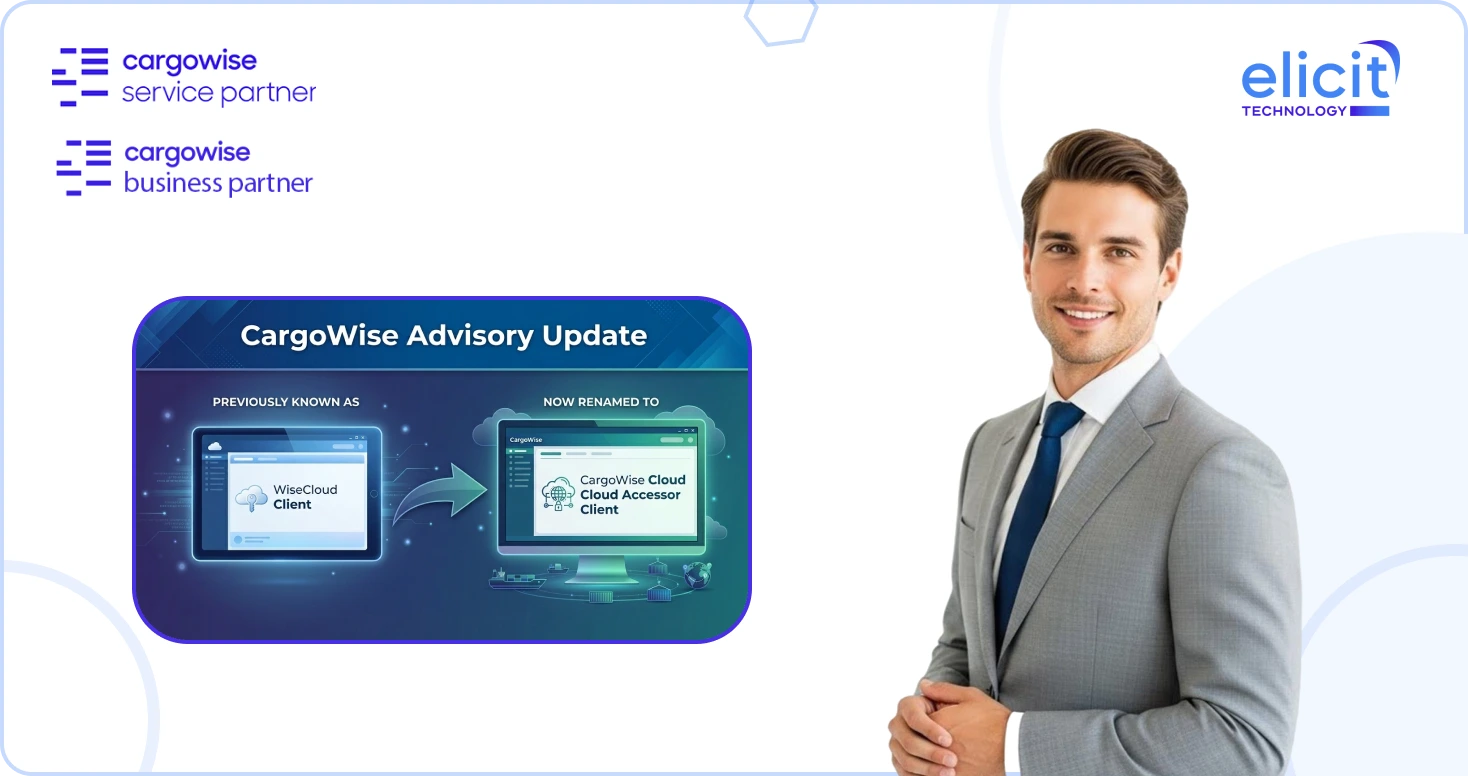
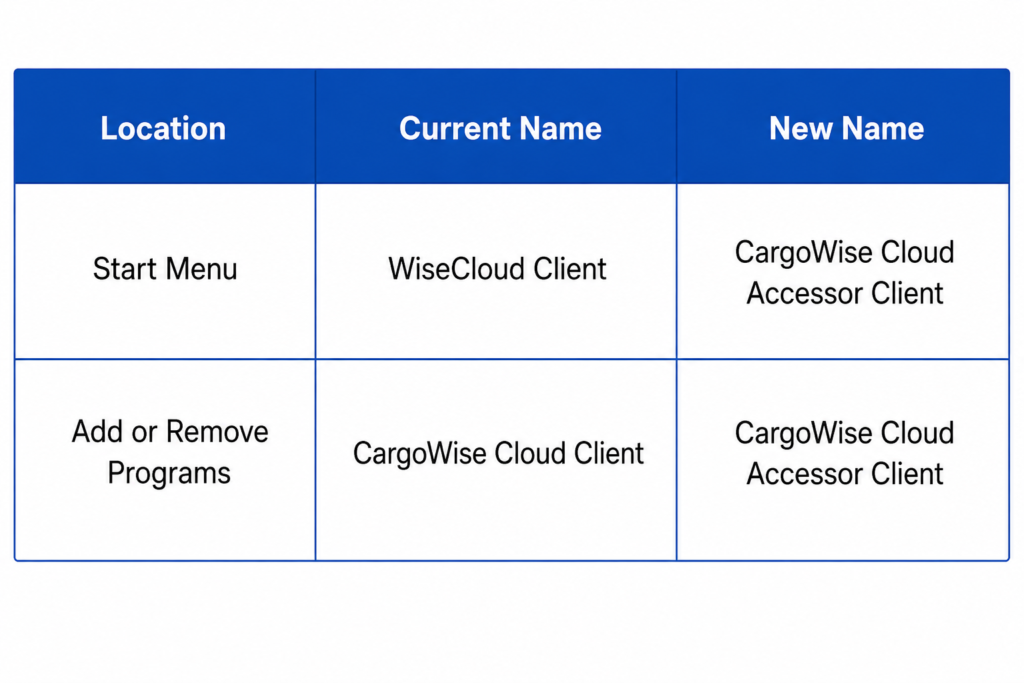
CargoWise users will soon notice a small but important name change when accessing CargoWise Cloud. The application previously known as WiseCloud Client in the Windows Start Menu and CargoWise Cloud Client in Add or Remove Programs is being renamed to CargoWise Cloud Accessor Client.
The important point is simple: only the name is changing. The functionality remains the same.
This update is mainly designed to make the application name consistent across the Start Menu, Windows programs list, installer, and version details. For most CargoWise customers, no action is required. However, some users may need to recreate pinned shortcuts if old Taskbar or desktop shortcuts stop working after the rename.
Why is the Name Changing?
Previously, the same application appeared under different names depending on where users looked. In the Start Menu, it appeared as WiseCloud Client. In Add or Remove Programs, it appeared as CargoWise Cloud Client.
This could create confusion for users, IT teams, and support teams, especially when troubleshooting access issues or guiding users through setup. The rename brings everything under one clear name: CargoWise Cloud Accessor Client.
After the update, users will see the same name across:
- Start Menu
- Add or Remove Programs
- Installer
- About/version dialog
This makes the application easier to identify and support.
What is Changing and What is Not Changing?
The change is only related to naming.
The application you use to connect to CargoWise Cloud will continue to work the same way. Your login process, saved settings, credentials, and configured CargoWise instances will be preserved.
There is no change to how users access CargoWise, no change to system functionality, and no change to the actual CargoWise Cloud connection process.
Naming Before and After
Scheduled Update Details
The rename is scheduled for 7 June 2026.
It applies to all CargoWise customers using the CargoWise Cloud Client or WiseCloud Client.
For most customers, the rename will apply automatically from version 6.5.19741. After the upgrade, the application will appear as CargoWise Cloud Accessor Client in the Start Menu, Add or Remove Programs, and About/version dialog.
Do CargoWise Users Need to Take Any Action?
For most users, no action is required.
However, if your pinned Taskbar shortcut or desktop shortcut no longer opens CargoWise after the rename, you may need to recreate the shortcut manually.
This is not a system failure. It simply means the old shortcut is still pointing to the previous application name.
How to Recreate the Taskbar Shortcut?
If your pinned Taskbar shortcut stops launching CargoWise, follow these steps:
- Click Start or press the Windows key and type CargoWise Cloud Accessor Client.
- Right-click the result and select Pin to taskbar.
Then remove the old broken shortcut by right-clicking it on the Taskbar and selecting Unpin from the taskbar.
This will ensure your Taskbar shortcut points to the renamed application correctly.
How to Create a Shortcut for a Specific CargoWise Instance?
Some users may prefer shortcuts that open a specific CargoWise instance directly.
To recreate this type of shortcut, launch CargoWise Cloud Accessor Client from the Start Menu. Then right-click the required CargoWise instance from the list.
You can choose either:
- Create a desktop shortcut
- Create a start menu shortcut
If you want the shortcut on your Taskbar, drag the newly created shortcut to the Taskbar to pin it.
Will Saved Settings and Credentials be Lost?
No. Saved settings, credentials, and configured CargoWise instance connections will be preserved after the rename.
Users do not need to reconfigure their instances just because the application name has changed.
Why does this Update Matter for CargoWise Users?
Although this is a naming update, it still matters because many CargoWise users depend on quick and consistent access to their CargoWise Cloud environment every day.
A clear application name helps reduce confusion for users, IT teams, and support teams. It also makes internal guidance easier when onboarding new users or troubleshooting access.
Instead of explaining the difference between WiseCloud Client and CargoWise Cloud Client, everyone can now refer to one name: CargoWise Cloud Accessor Client.
Conclusion
The rename from WiseCloud Client / CargoWise Cloud Client to CargoWise Cloud Accessor Client is a straightforward update designed to improve naming consistency.
The way you use the application remains unchanged. Your settings, credentials, and CargoWise instance connections remain preserved. Most users do not need to take any action.
The only thing to watch for is pinned shortcuts. If an old Taskbar or desktop shortcut stops working, recreate it using the new application name. Want further assistance on this? Schedule a call today. For CargoWise users who need support with access, setup, user configuration, or system guidance, working with an experienced CargoWise service partner can make these updates easier to manage across teams and branches.