





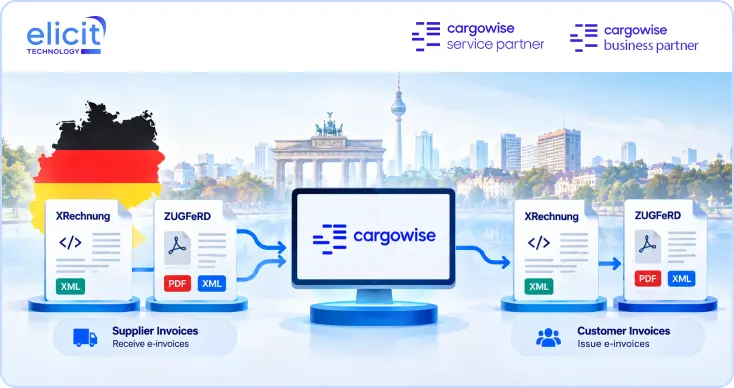
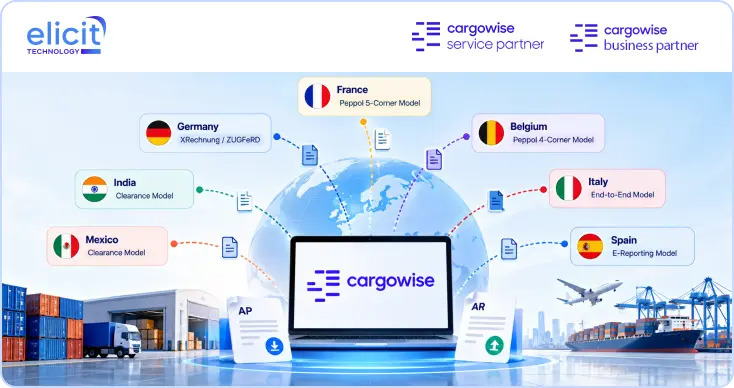













Comply with JoFotara, Without Adding a Separate Platform
Get automated JoFotara submission and reference validation built directly into your CargoWise environment, so e‑invoicing compliance runs from the system you already use for shipments and billing.
Book a Call
Jordan's Income and Sales Tax Department (ISTD) operates the JoFotara national e‑invoicing system, phased in progressively by business size since its introduction, with the requirement now covering a broad range of registered taxpayers. Invoices need to be submitted to JoFotara and receive a valid reference before they're recognised for tax purposes.
Beyond initial registration, staying compliant means every invoice, not just the ones your team remembers to check, gets submitted correctly and on time. CargoWise Jordan e‑Invoicing Integration connects your CargoWise environment to JoFotara directly, so submission happens automatically as part of normal billing.