








Comply with Malaysia's MyInvois Mandate, Without Adding a Separate Platform
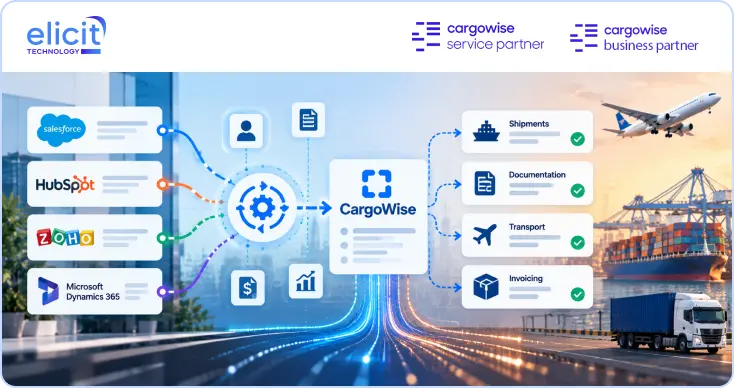
Get real-time invoice validation, UIN and QR code handling, and MyInvois sync built directly into your CargoWise environment, so e‑Invoice compliance runs from the system you already use for shipments and billing.
Book a Call
Malaysia's e‑Invoice mandate under LHDN (the Inland Revenue Board) went live in phases by annual turnover, starting with businesses above RM100 million in August 2024, RM25 million to RM100 million from January 2025, and progressively lower thresholds rolling in through 2025 and into 2026 until virtually every business is in scope.
Every invoice, credit note, and debit note has to be validated in real time through MyInvois before it's legally recognised, returning a Unique Identifier Number and a QR code that must appear on the document. CargoWise Malaysia e‑Invoicing Integration handles that validation loop automatically, so your team keeps invoicing from CargoWise instead of a separate LHDN portal.